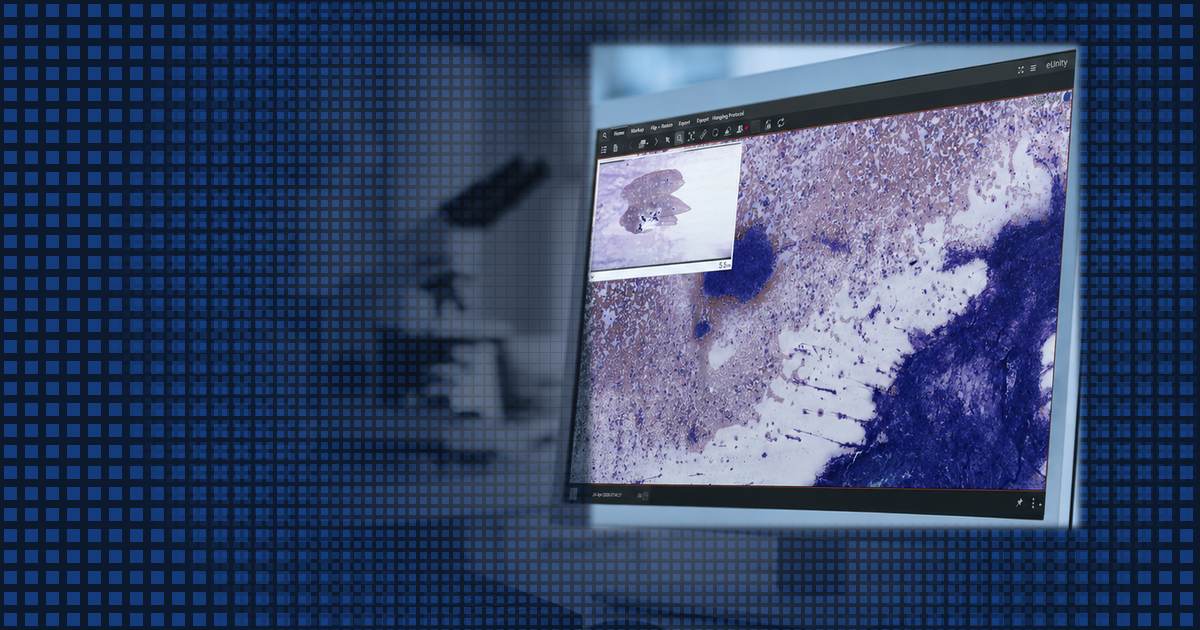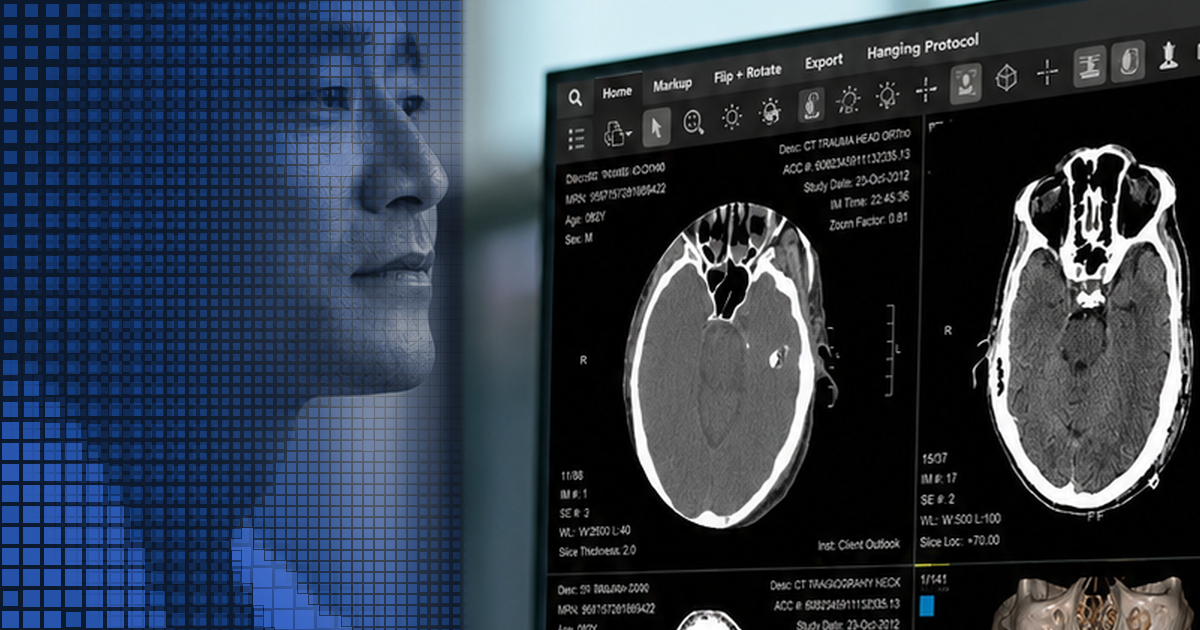


Digital Pathology, Extended Across the Enterprise

Whole slide images archived like every other study and opened in the browser, so pathology reaches the whole care team without disrupting the lab.

The slide and the scan, side by side in one viewer

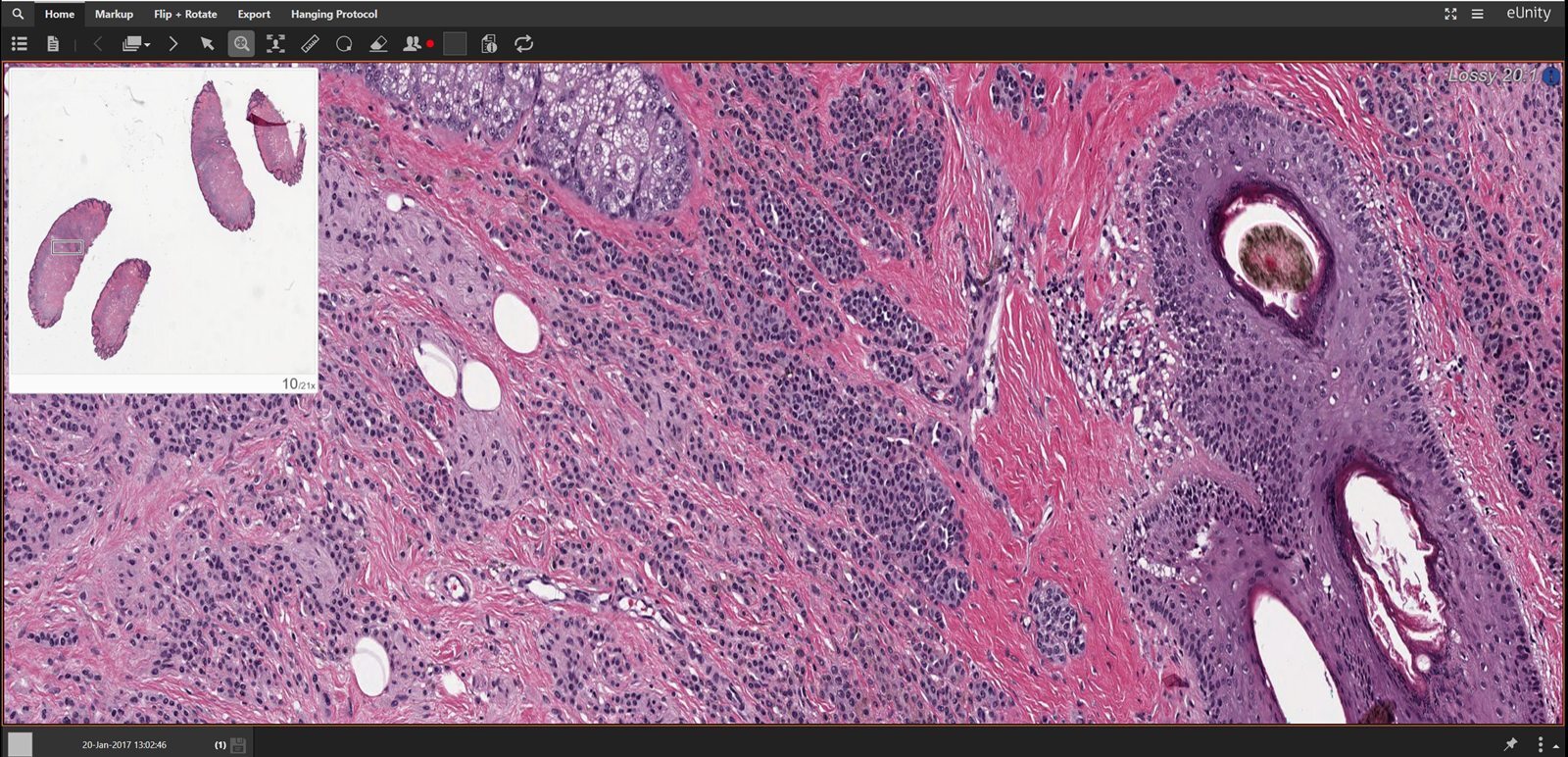
A whole slide image† and a mammogram*, open side by side in eUnity.
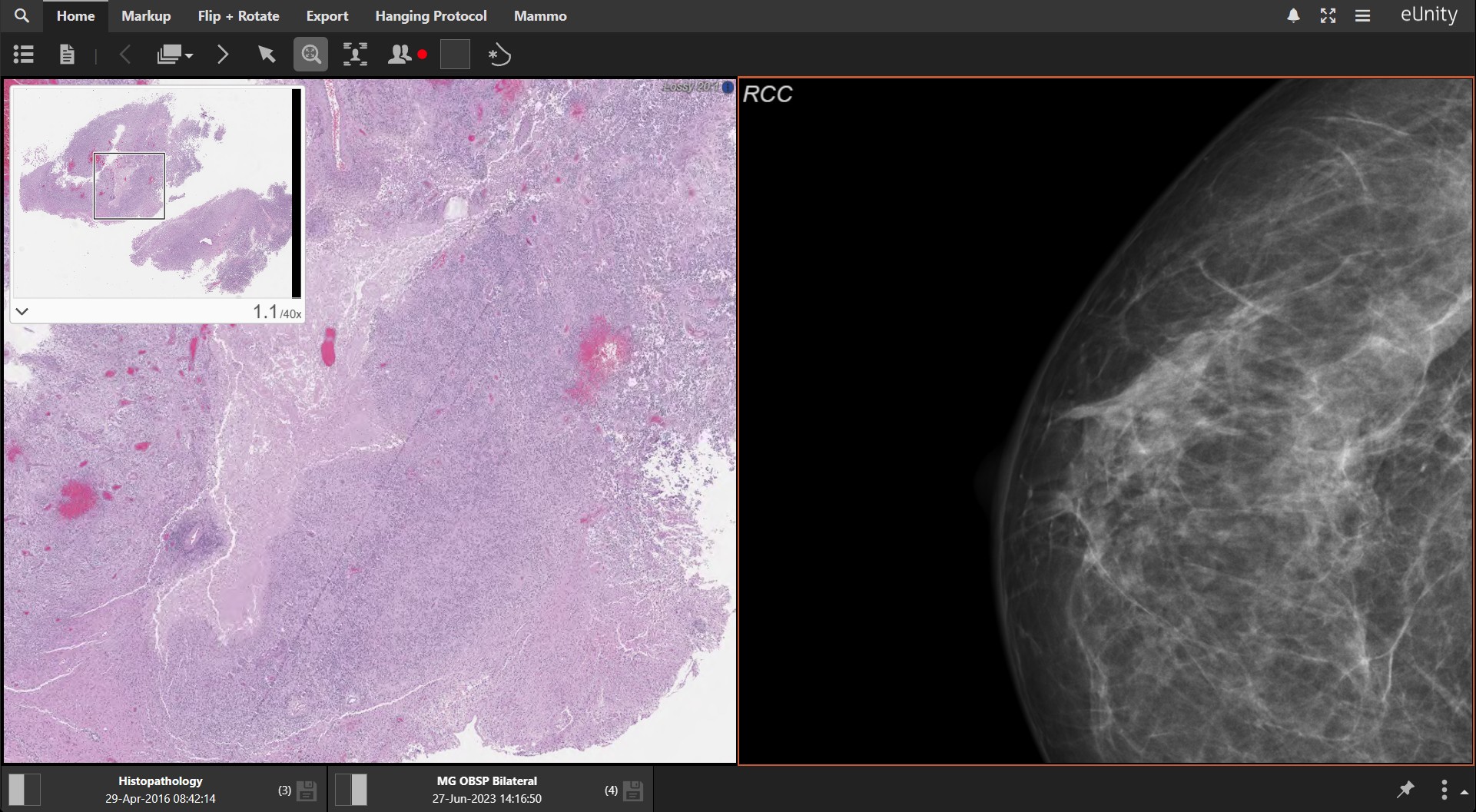
eUnity showing a histopathology whole slide image with a navigator inset on the left and a right craniocaudal mammogram on the right, with both studies listed along the foot of the viewer.

†Digital pathology whole slide imaging is available in the United States only; for reference and referral use, not for primary diagnosis.
*Mammography is subject to additional US regulatory controls. eUnity is not intended for diagnostic interpretation of mammography or digital breast tomosynthesis on mobile devices; use a compliant diagnostic workstation.

Pathology Shouldn’t Stay Locked in the Lab

Whole slide images are the largest objects in medical imaging, and they usually live where they were scanned: in a slide management system the rest of the enterprise cannot reach. So tumor boards work from screenshots, referring physicians get a report without the picture, and a second opinion still means shipping glass. Mach7 changes where the slides live and who can reach them: the vendor-neutral archive holds WSI as standard DICOM, and eUnity serves it to any browser for reference and referral.

Icon

SLIDES TRAPPED IN THE LAB?

Archive whole slide images in the same vendor-neutral archive as radiology, under one index of record.

Icon-1

NO IMAGES FOR THE CARE TEAM?

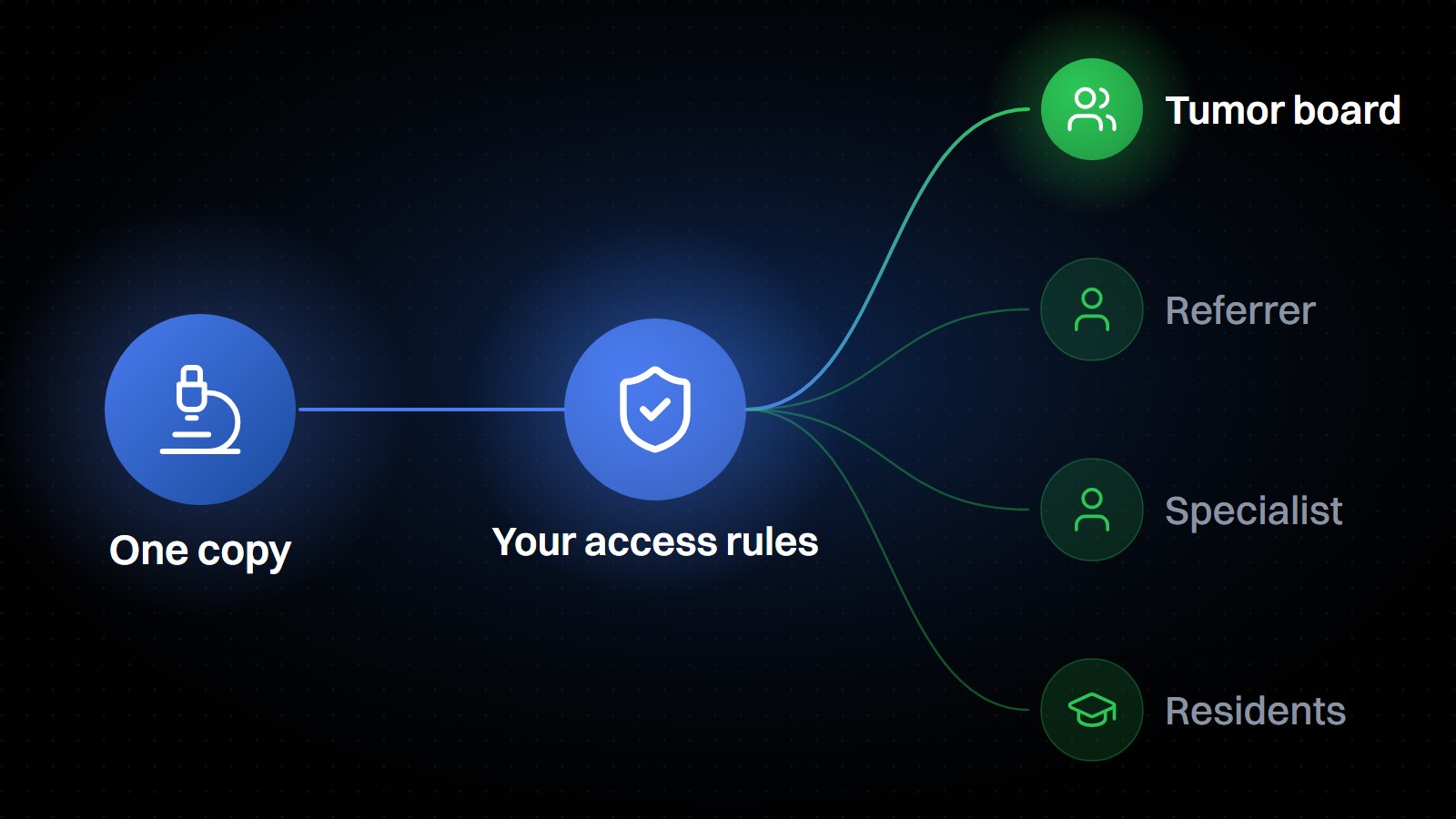
Give tumor boards and referring physicians access to the slide itself, not a description of it.

Icon-2

SPECIALIZED SOFTWARE EVERYWHERE?

Open slides in a browser. Nothing to install, nothing stored on the device.

One Record for Radiology and Pathology

One Archive, One Index of Record

Not a separate pathology archive. The same one.

Whole slide images are the largest objects in medical imaging, and most archives still treat them as someone else’s problem, filed in a slide management system built for the lab, not the enterprise. Mach7 EIP 2026.1 adds certified support for DICOM VL Whole Slide Microscopy Image Storage, so pathology slides archive, route, and retrieve exactly like any other DICOM object. No separate silo to run, no separate system to secure.

eUnity streams those slides in the browser at pathology scale, without staging gigabytes onto the endpoint. Tumor boards, referring physicians, and consulting specialists reach the same slide from wherever they sit, for reference and referral, not primary diagnosis.

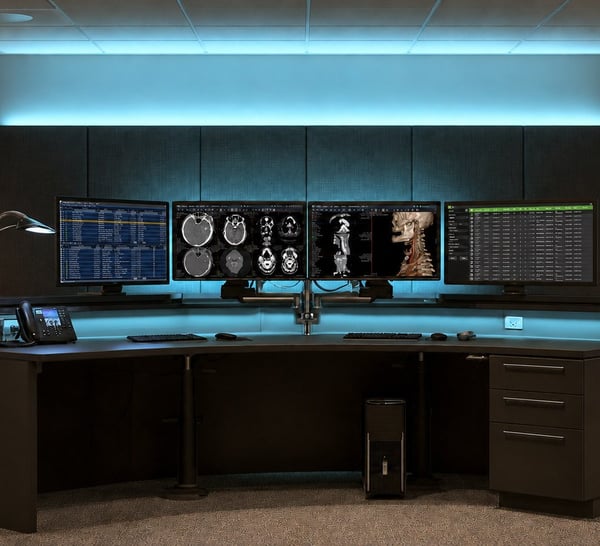
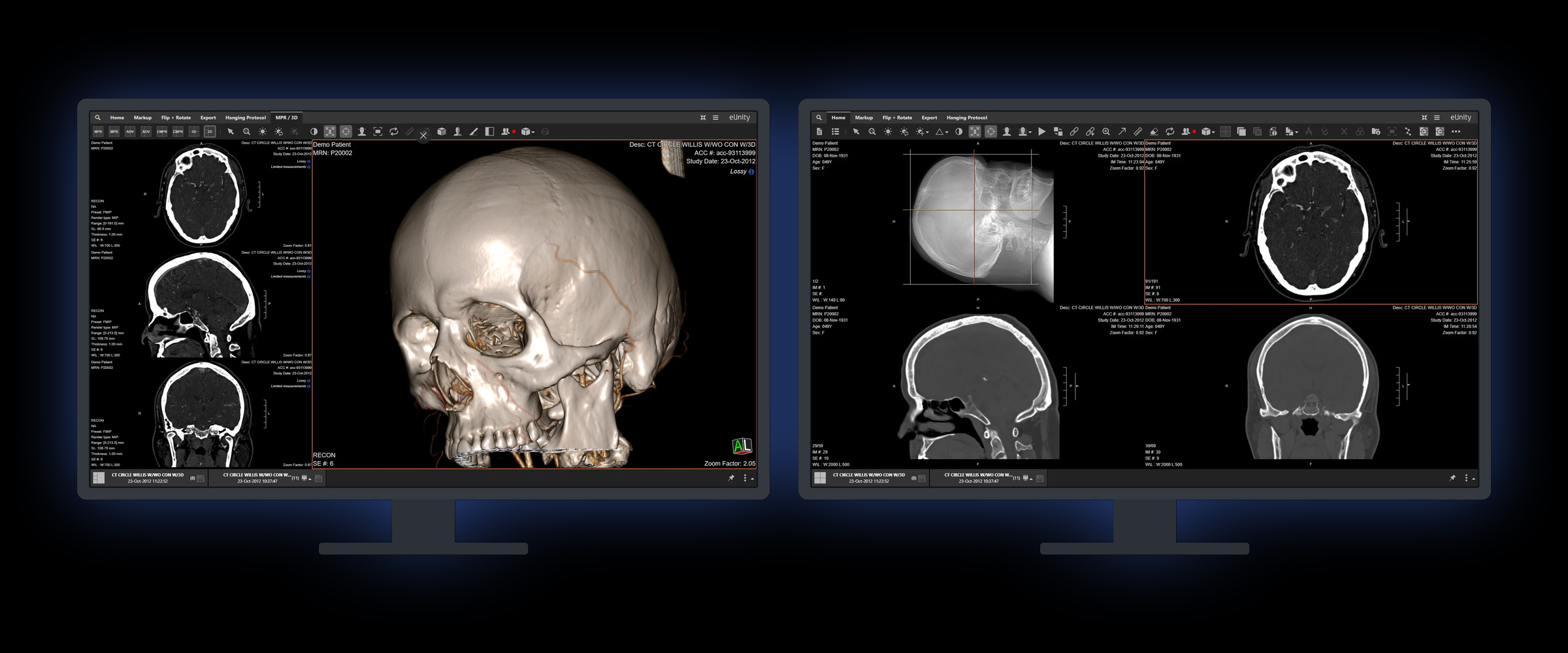
eUnity diagnostic viewer, dual-monitor reading workstation.

Pathology in the Enterprise Imaging Record

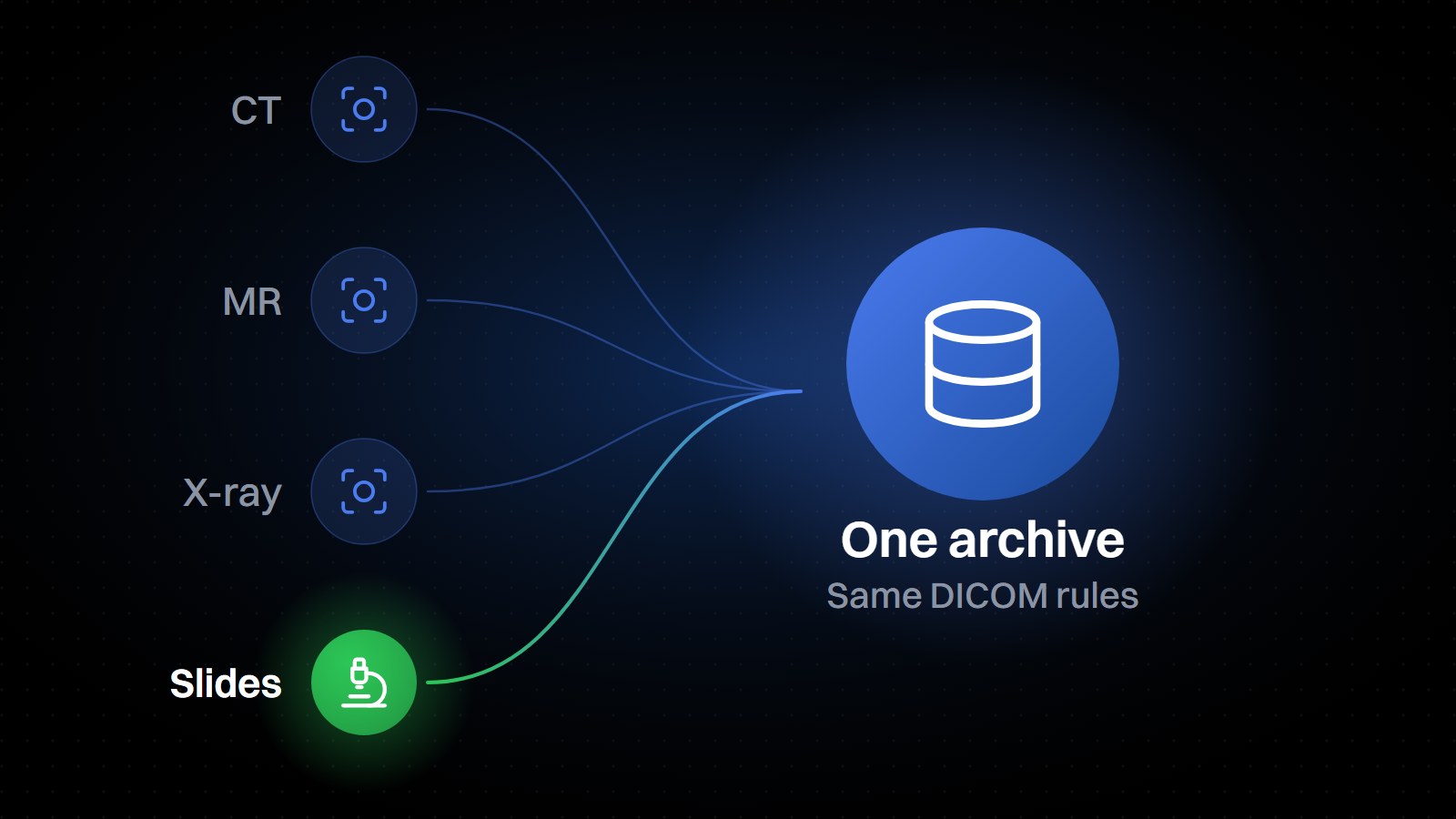
Diagram: CT, MR, X-ray and slides flowing into one archive under the same DICOM rules, with slides highlighted.

Certified WSI Archiving

Mach7 EIP 2026.1 adds certified support for DICOM VL Whole Slide Microscopy Image Storage. Archiving, routing, and retrieval of SM/WSI objects work exactly as they do for every other DICOM object. No separate pathology silo to run.

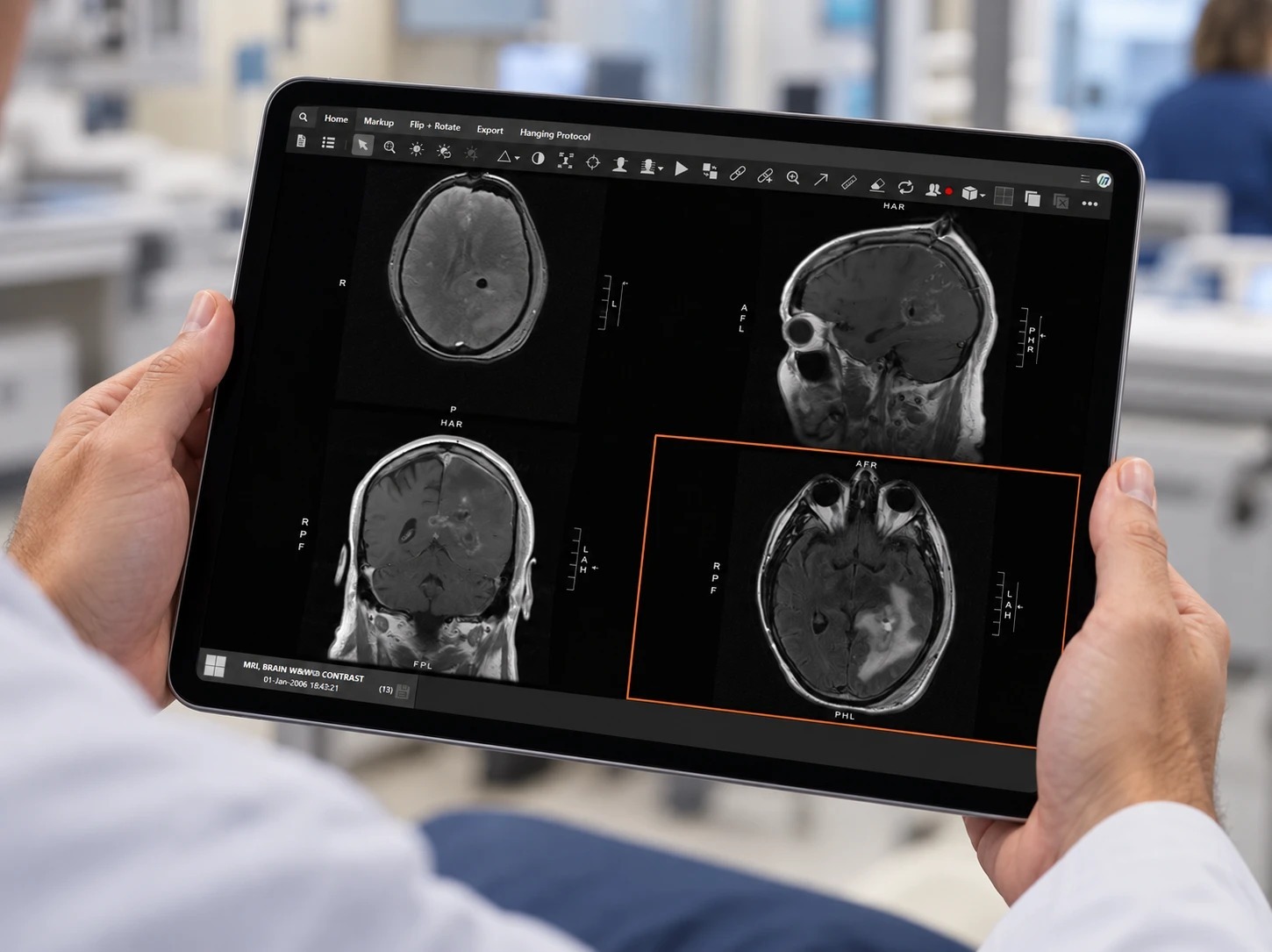
eUnity running in a browser on a tablet held by a clinician, showing a four-pane brain MRI study.

Zero-Footprint Access

Nothing to install and nothing to maintain. eUnity runs in a modern browser on desktop, laptop, or tablet, and stores no image data or patient information on the device.

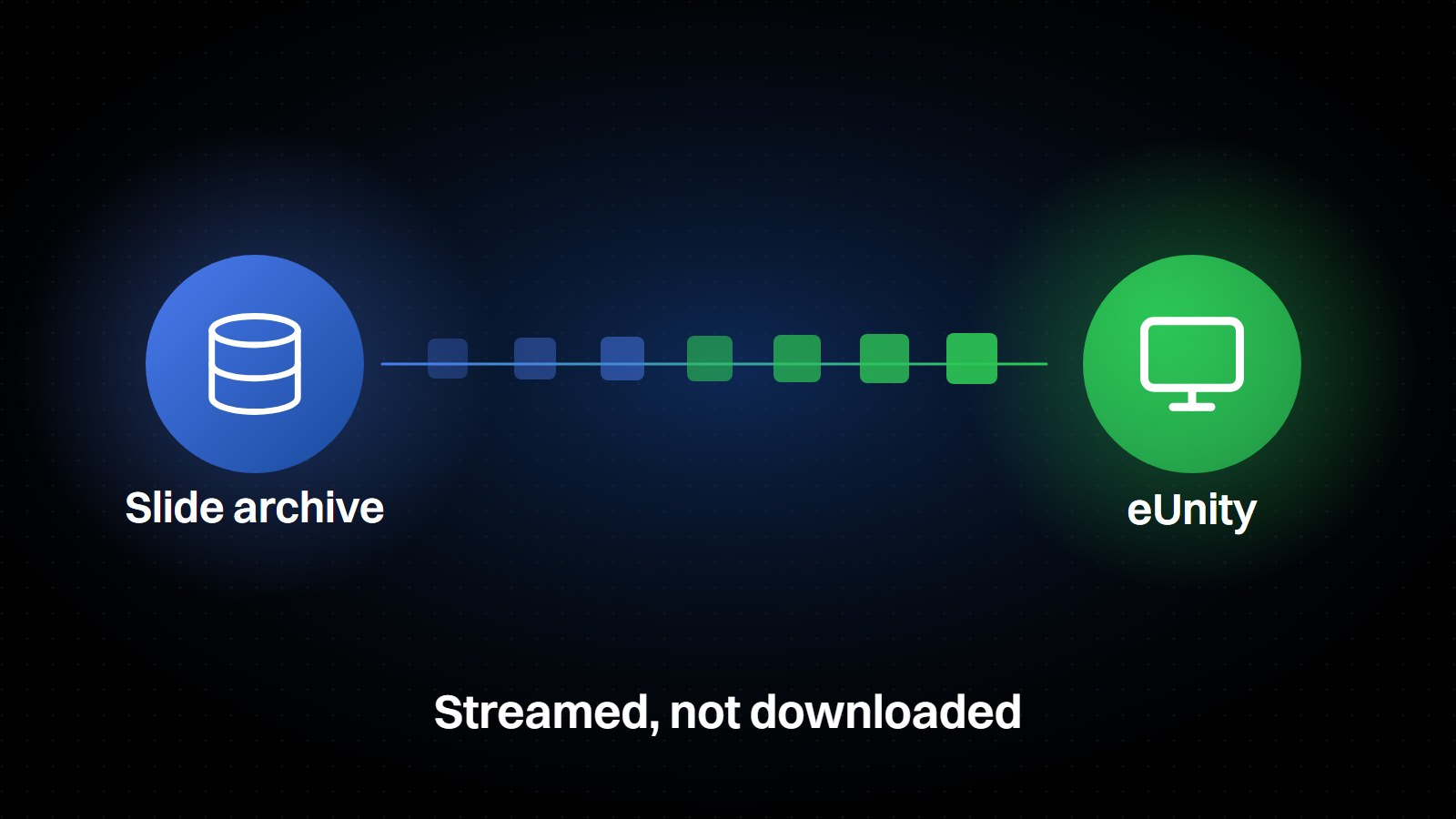
Diagram: a slide archive streaming a whole slide image to eUnity as tiles, not a download.

Built for Slide-Sized Data

Whole slide images are streamed rather than downloaded, so navigation, zoom, and pan stay responsive without staging gigabytes onto the endpoint or building out local storage.

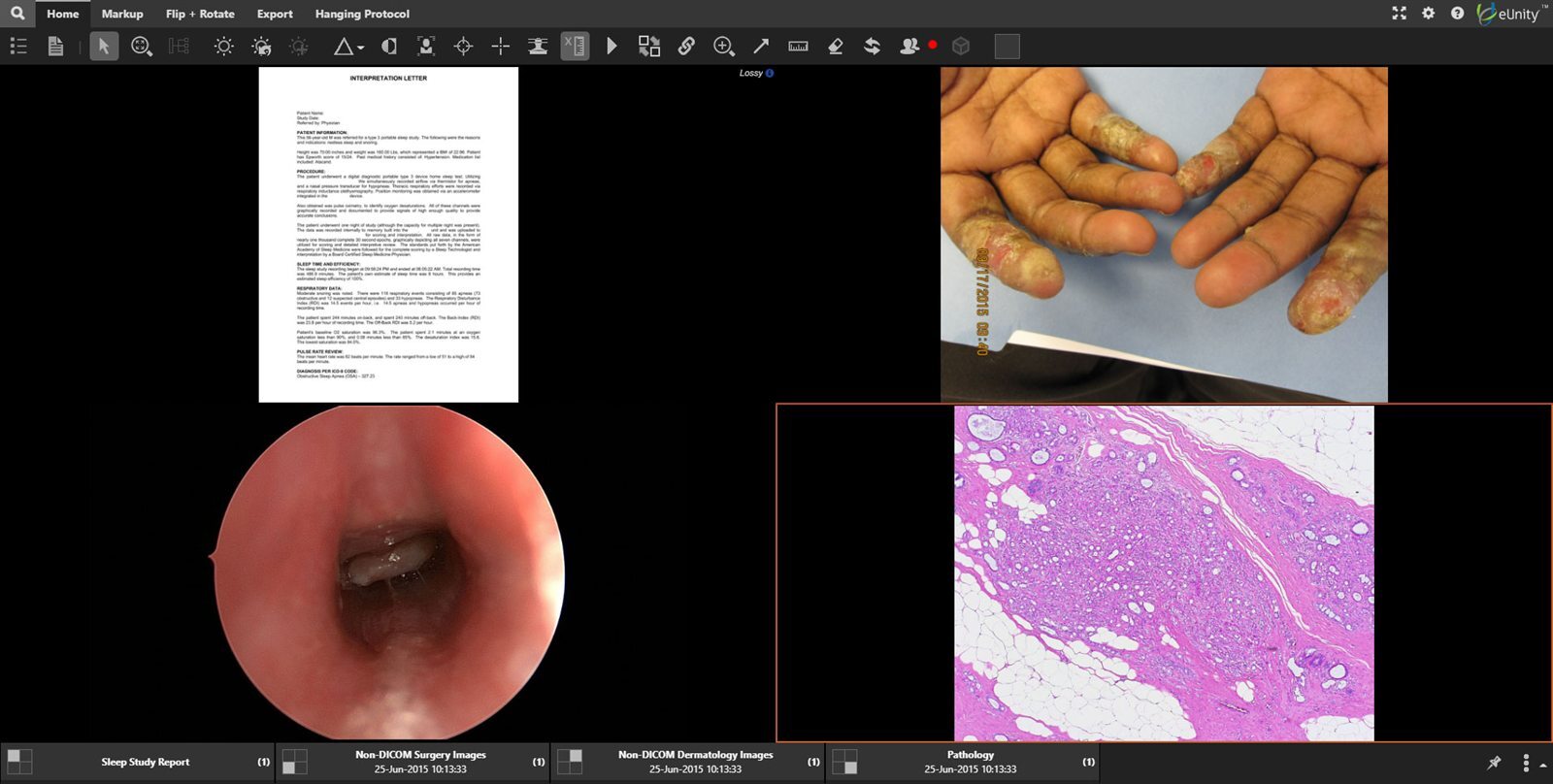
eUnity displaying non-DICOM clinical content alongside imaging.

One Viewer, Every Specialty

Pathology opens in the same enterprise viewer as radiology, cardiology, and the rest of the imaging record, against one patient history instead of a system per specialty.

Digital pathology whole slide imaging is available in the United States only, for reference and referral use, and not for primary diagnosis.

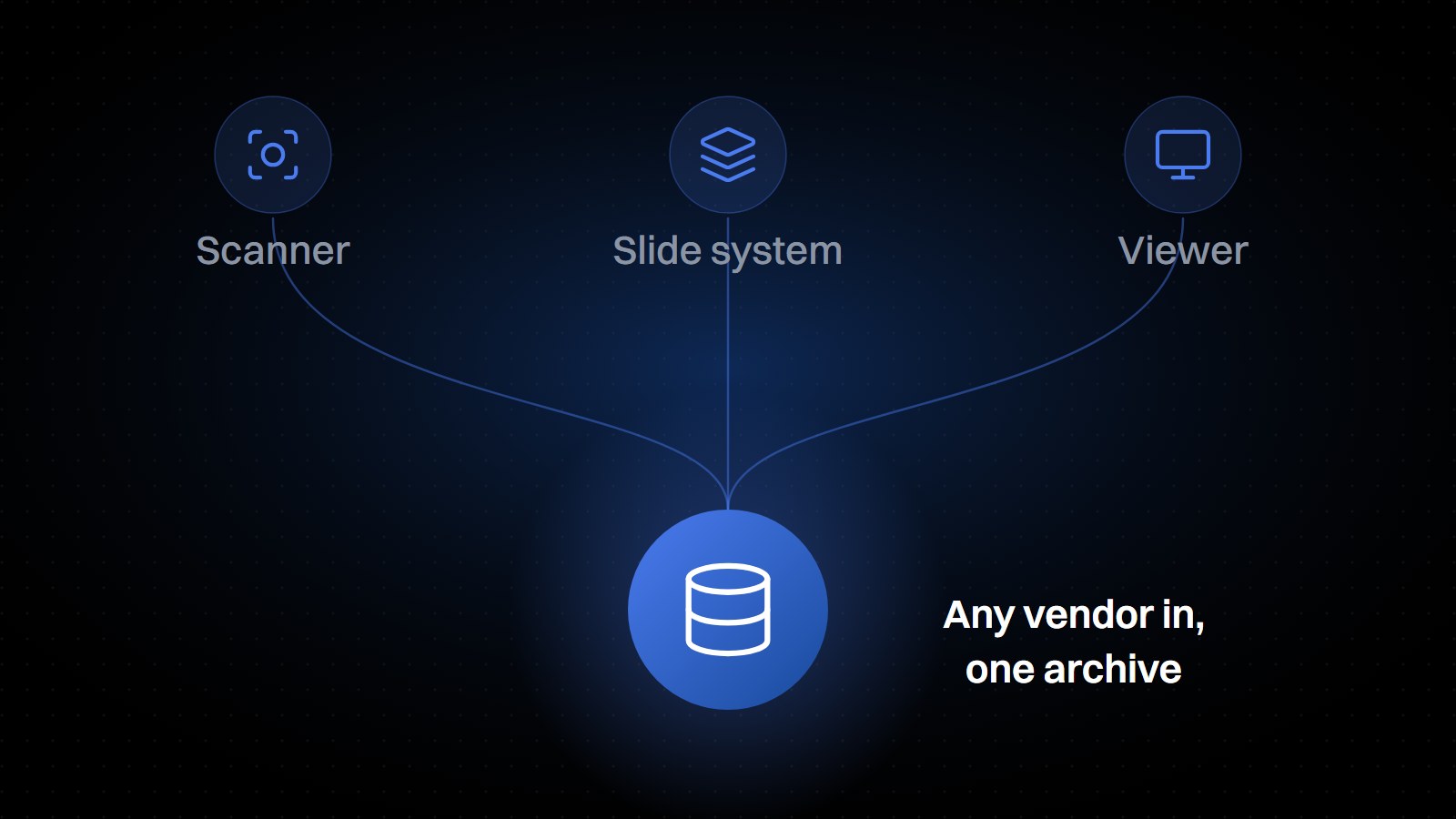
Diagram: a scanner, a slide system and a viewer from any vendor, all working with one archive.

Vendor-Neutral by Design

Standards-native storage with no proprietary internal format, so scanners, slide management systems, and viewers can come from different vendors, and can be changed without renegotiating the rest of the stack.

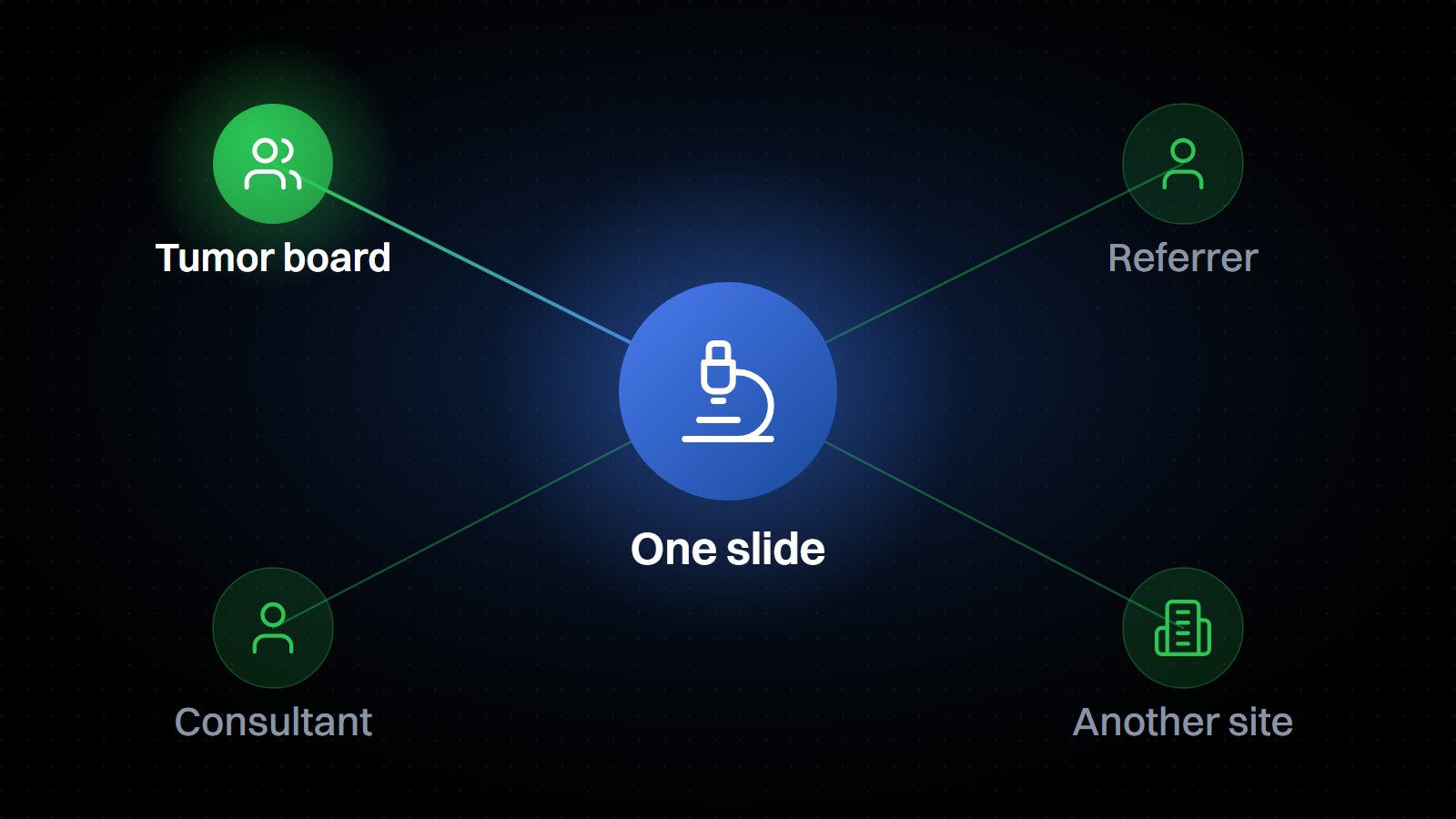
Diagram: one slide reached by a tumor board, a referrer, a consultant and another site.

Collaboration Across Sites

Multidisciplinary teams, referring physicians, and consulting specialists reach the same slide from wherever they sit, supporting tumor boards, referral workflows, and case discussion across organizations.

Deliver Value for your Patients

Archive: Enterprise Imaging Platform & VNA

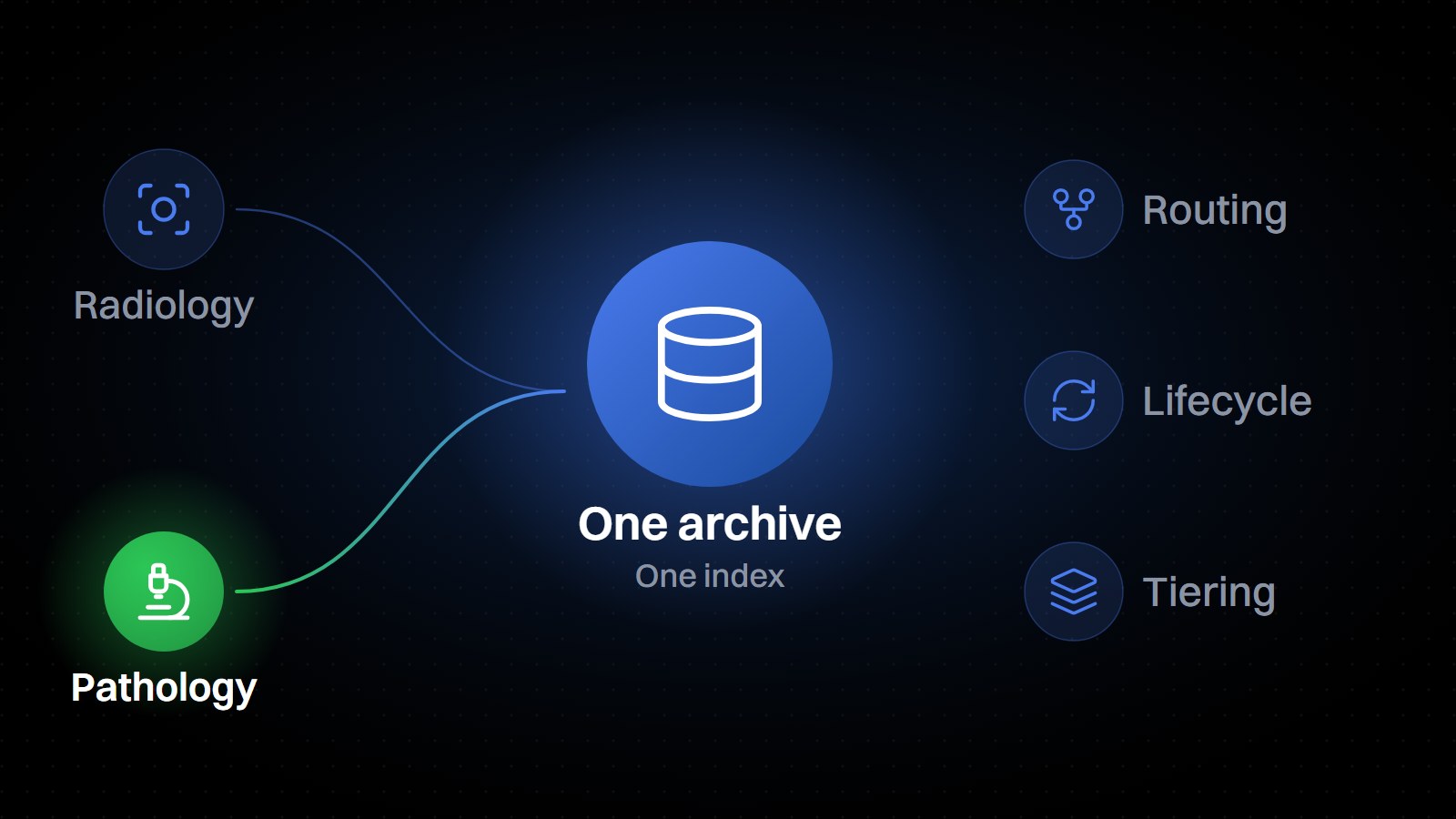
Whole slide images land in the same vendor-neutral archive as the rest of your imaging, with a single index of record across DICOM and non-DICOM objects. Rules-based routing, lifecycle policies, and cloud tiering apply to slides exactly as they apply to CT or MR, so pathology inherits the storage economics and the retention policy you already run.
  • Whole slide images in the same archive as radiology
  • One index of record across DICOM and non-DICOM
  • Certified DICOM VL Whole Slide Microscopy Image Storage
  • Routing, lifecycle policies and cloud tiering apply to slides
  • No parallel pathology archive to run
Diagram: radiology and pathology feeding one archive with one index, with routing, lifecycle and tiering applied.

Where Pathology Fits in Your Imaging Strategy

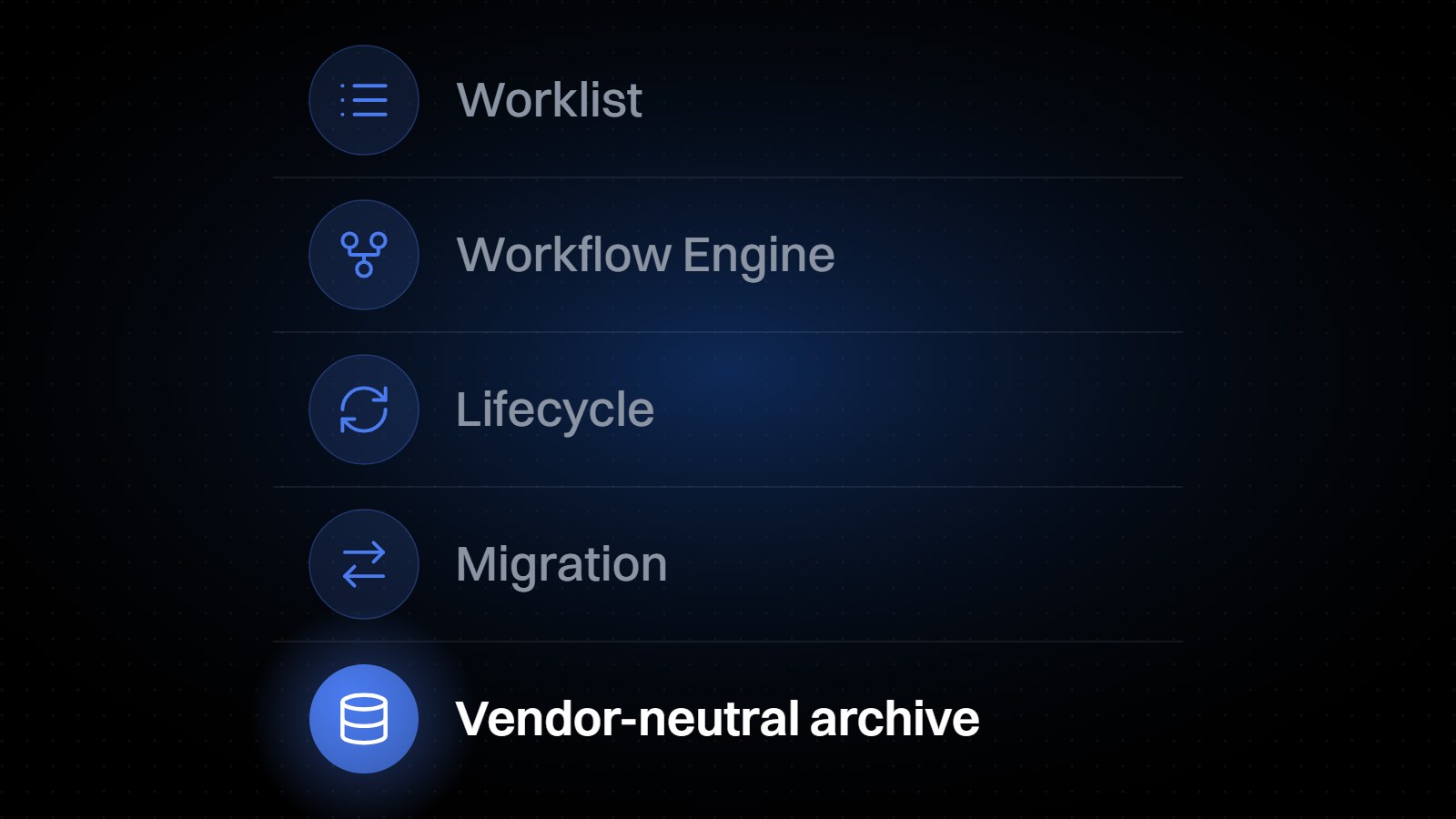
Diagram of the Enterprise Imaging Platform and VNA: worklist, Workflow Engine, lifecycle and migration over a vendor-neutral archive.

Enterprise Imaging Platform & VNA

The open imaging data layer: archive, workflow engine, worklist, lifecycle management, and migration tooling in one standards-native foundation, now including certified VL Whole Slide Microscopy Image Storage.

A two-monitor eUnity reading setup: multiplanar reformatting with a 3D volume render on the left screen and a four-pane CT review on the right, both running in a browser with nothing installed on either.

eUnity Enterprise Diagnostic Viewer

Mach7’s zero-footprint viewer, reading across specialties from a single patient imaging history.

Digital pathology whole slide imaging is available in the United States only, for reference and referral use, and not for primary diagnosis.

Use Cases Across the Enterprise

  • MDT meetings and tumor boards: review pathology alongside radiology in the same session, from one viewer.

  • Referring physician access: share the image that supports the report, not just the report.

  • Consultation and second opinions: give an outside specialist secure access without shipping glass or duplicating the archive.

  • Education and training: open teaching cases to residents and students without provisioning pathology workstations.

  • Cross-site access: one imaging record across every facility in the network.

Frequently Asked Questions

Bring Pathology Into One Imaging Archive

See how whole-slide imaging fits alongside radiology in a single platform.

Request a Demo

eUnity is a diagnostic viewer intended to display medical images and associated clinical reports to aid in diagnosis by trained healthcare professionals. Professional and prescription use only. In the United States only, eUnity supports digital pathology whole-slide imaging (WSI) for reference and referral use and is not intended for primary diagnosis. Mammography and digital breast tomosynthesis are not intended for diagnostic interpretation on mobile devices. Mach7 Enterprise Imaging Platform is intended for archiving, communicating, and viewing medical imaging data. Its built-in viewer is non-diagnostic and is used for reconciliation and quality control; diagnostic viewing is provided by eUnity, a separate product in the Mach7 family. Product availability, regulatory status, intended use, and feature availability may vary by country, region, and care setting.

In the United States, eUnity is an FDA-cleared Class II medical device (510(k) K172490) that enables healthcare professionals to view, manipulate, and analyze medical images to aid in diagnosis. Professional and prescription use only. eUnity is not available in all markets. Regulatory status, available modules and approved indications vary by market. For the approved indications in your market, contact your Mach7 representative.