

Sensitive Images Need Tighter Control

Trauma, wound care, images of minors, forensic and high-profile cases sit in the same imaging record as everything else, and reaching them should not be as easy.

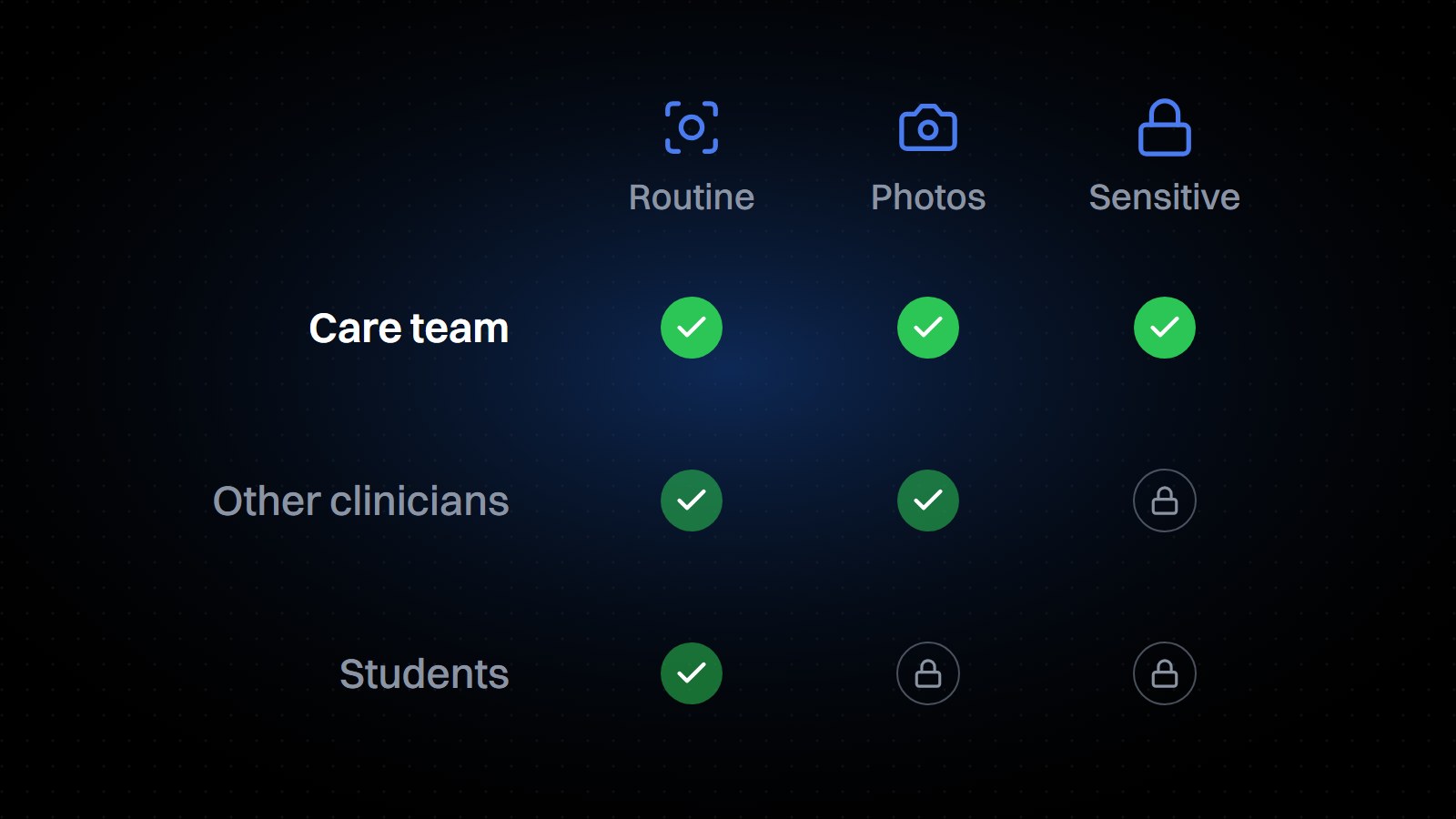
Sensitive images reach only the people you choose

Roles you define decide which study types each person can open, and access follows the identity provider you already run.
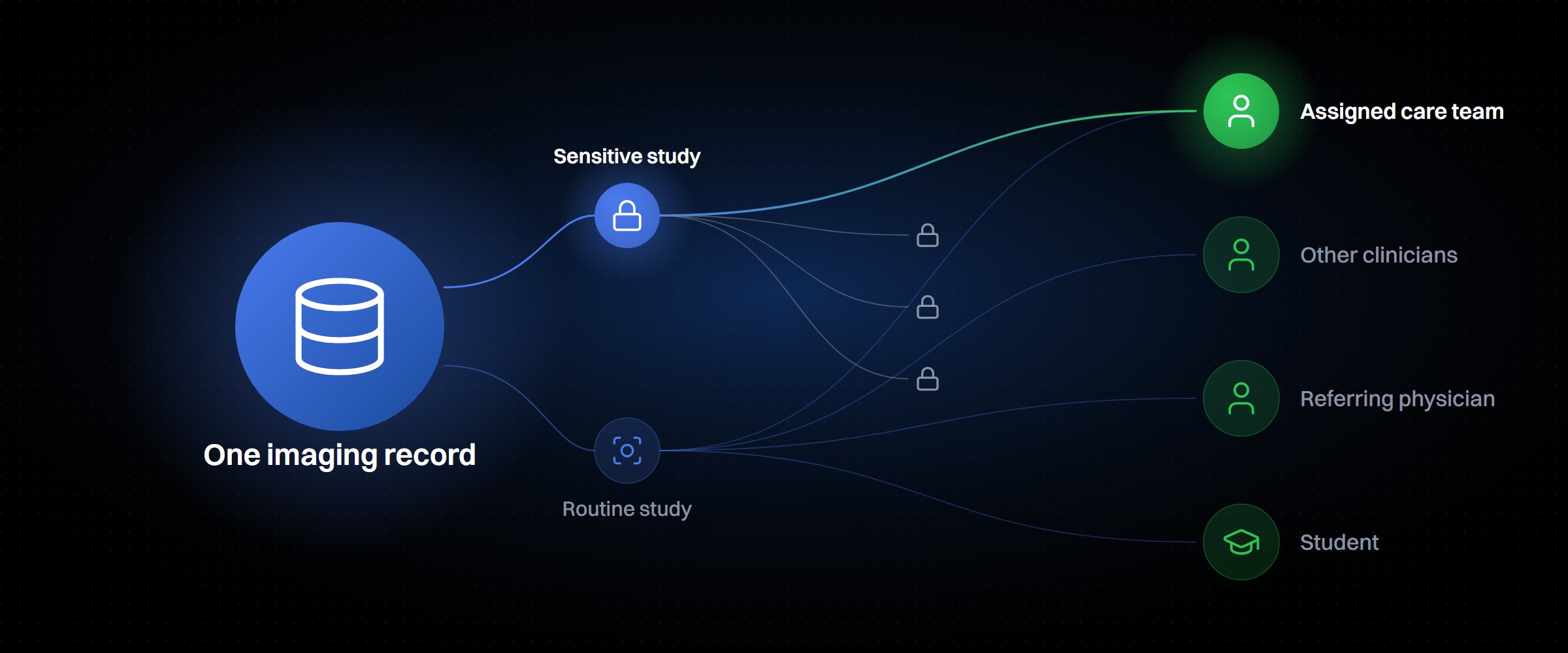
Diagram: one imaging record holding a routine study and a sensitive study. The routine study reaches every role: the assigned care team, other clinicians, a referring physician and a student. The sensitive study reaches only the assigned care team; its paths to the other roles stop at a lock.

Not Every Image Should Be Equally Visible

Smart devices now capture clinical photography well outside traditional DICOM equipment, and a HIMSS-SIIM white paper set out what that means for the management, control and privacy of the images being taken. Capture has moved ahead of access control. Keeping firm control over who reaches certain images is now a procurement requirement.

Icon

IMAGES FROM OUTSIDE THE DICOM WORLD?

Phones and consumer cameras capture clinical photographs that never pass through a modality, and they land wherever the application that took them decides.

Icon-1

SCATTERED ACROSS DEPARTMENTS?

Wound care, dermatology and forensic photography often sit in departmental systems outside the imaging record, where enterprise access rules do not reach them.

Icon-2

ONE ARCHIVE, ONE LEVEL OF ACCESS?

When every study is equally reachable, a trauma series is as easy to open as a routine chest X-ray, and nobody set out to design it that way.

One Imaging Record, Governed Access

How Mach7 Handles Sensitive Imaging

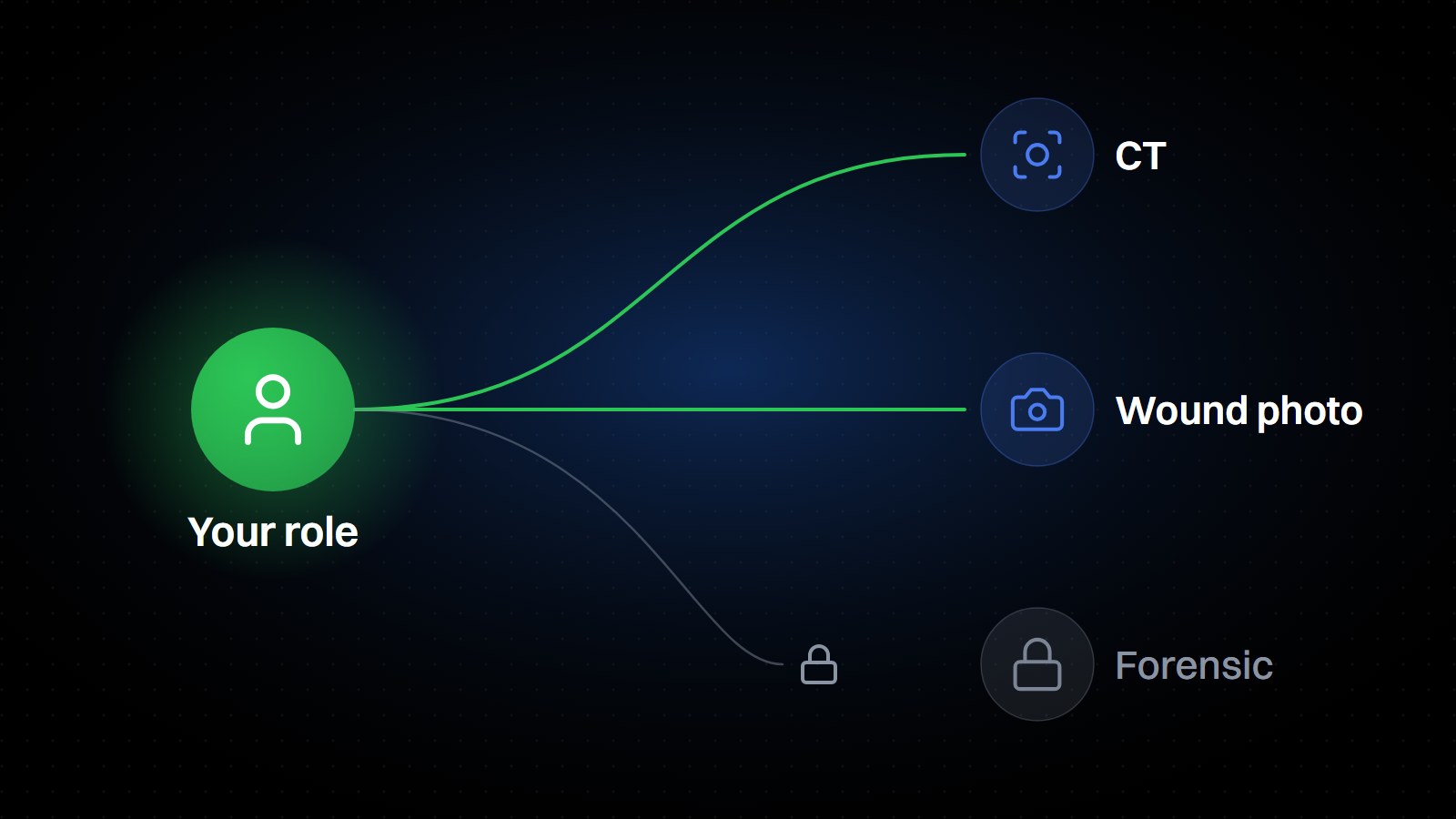
Diagram: your role reaches CT and wound photos, while forensic studies stay locked.

Granular Role-Based Permissions

You define roles, and each role reaches only the study types you assign to it, across the imaging record rather than whatever a departmental system happens to expose.

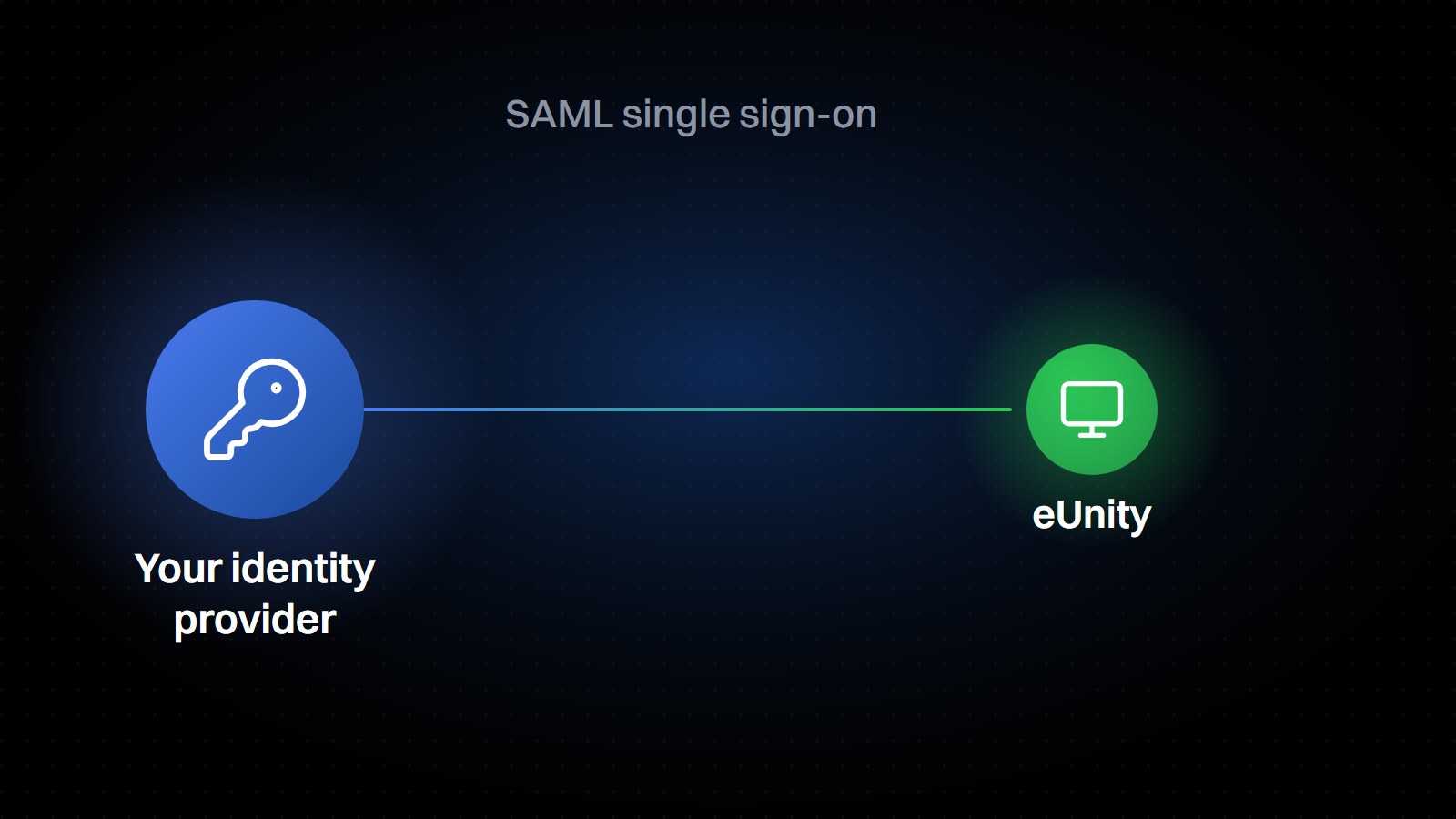
Diagram: your identity provider grants access to eUnity through SAML single sign-on.

Single Sign-On

SAML single sign-on means imaging access follows the identity provider you already run. Roles change and accounts close in one place, and imaging follows.

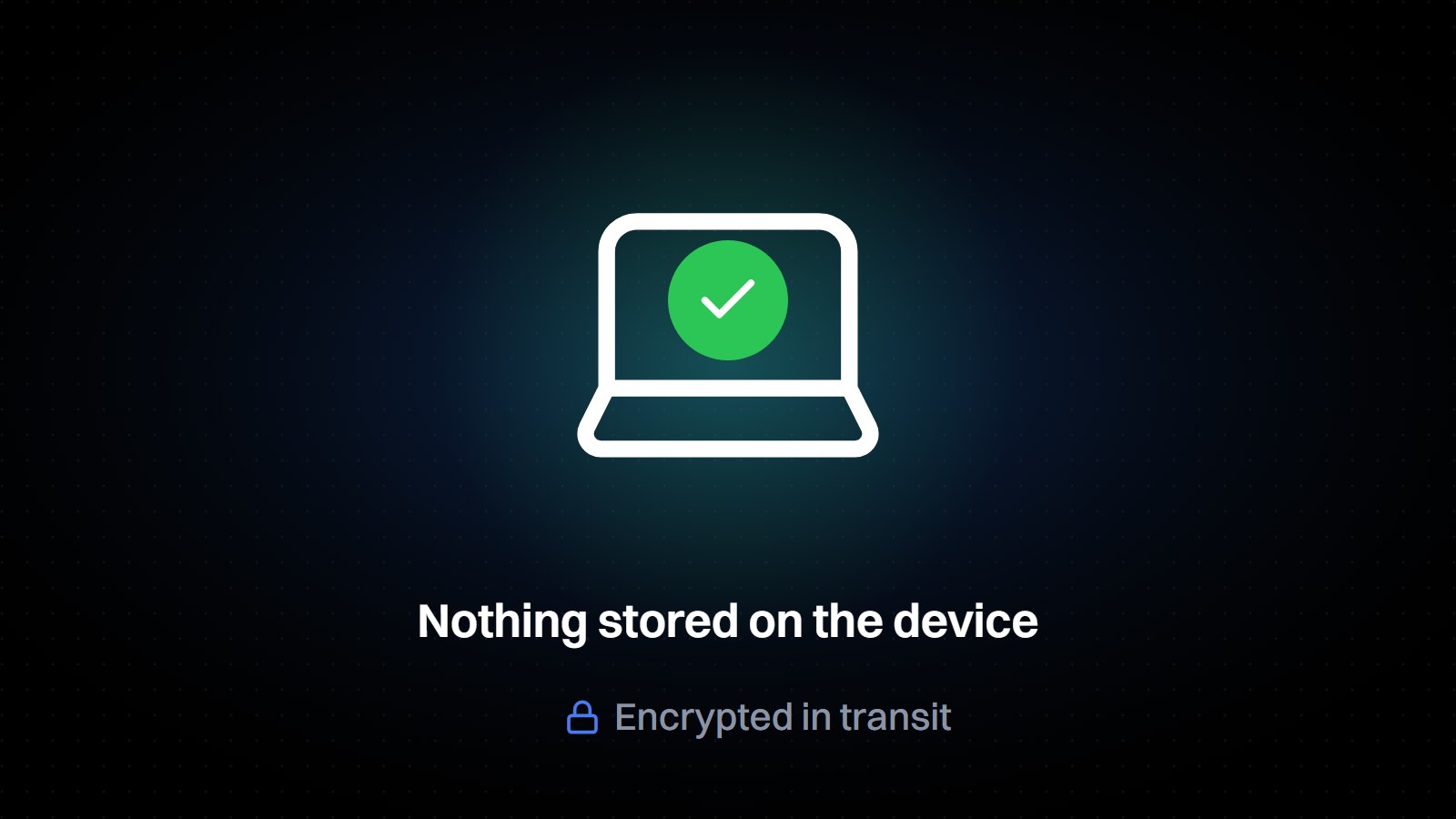
Diagram: a laptop with a check mark, nothing stored on the device, encrypted in transit.

Nothing Left on the Endpoint

eUnity stores no image data or patient information on the device, and communication is encrypted, so a sensitive study is not left behind on a laptop, tablet or shared workstation after the browser closes.

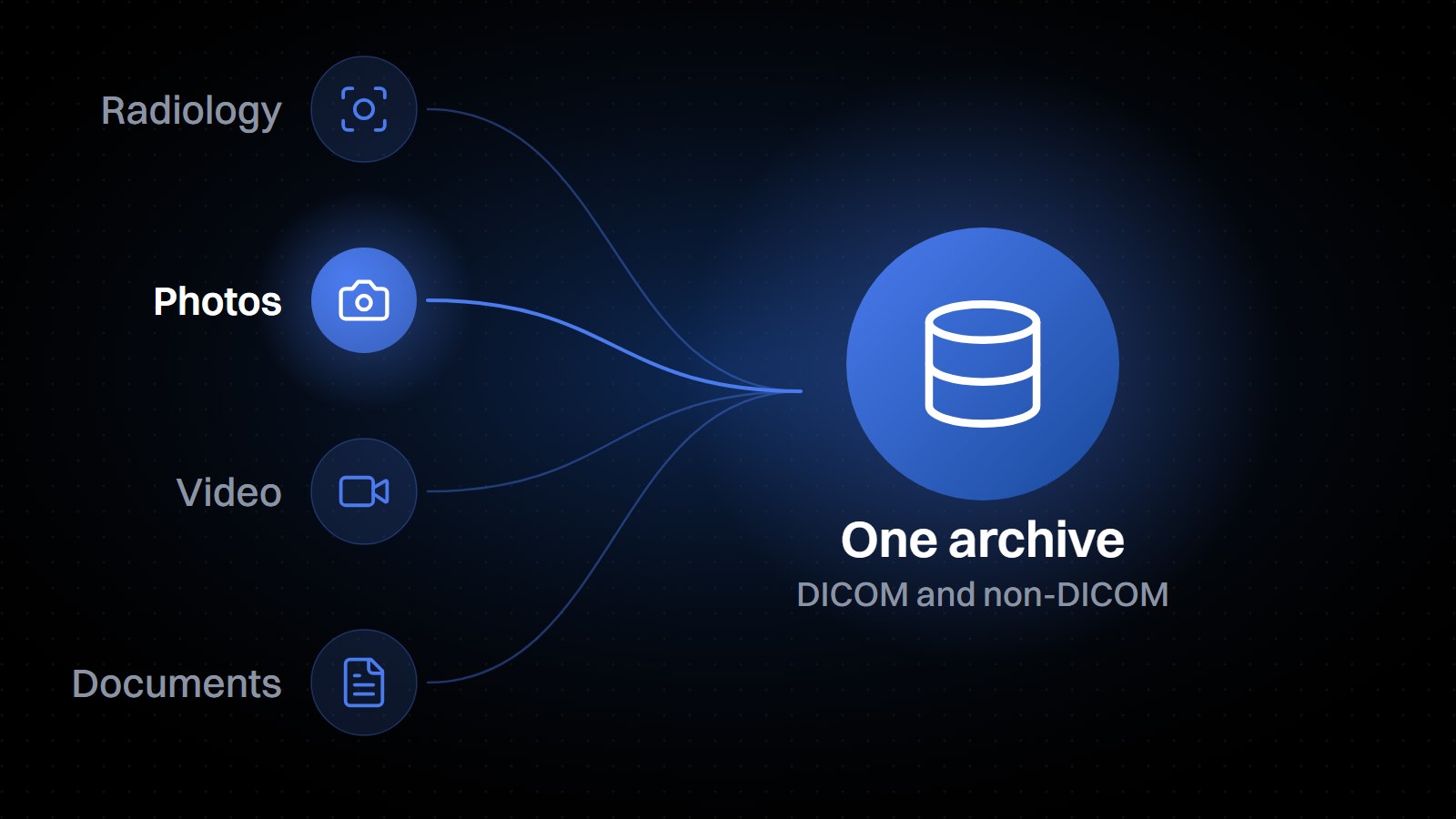
Diagram: radiology, photos, video and documents flowing into one archive, DICOM and non-DICOM.

DICOM and Non-DICOM Together

Wound photographs, video, PDFs and scanned forms are archived alongside radiology in one vendor-neutral archive, in native format or DICOM-wrapped, with no proprietary conversion.

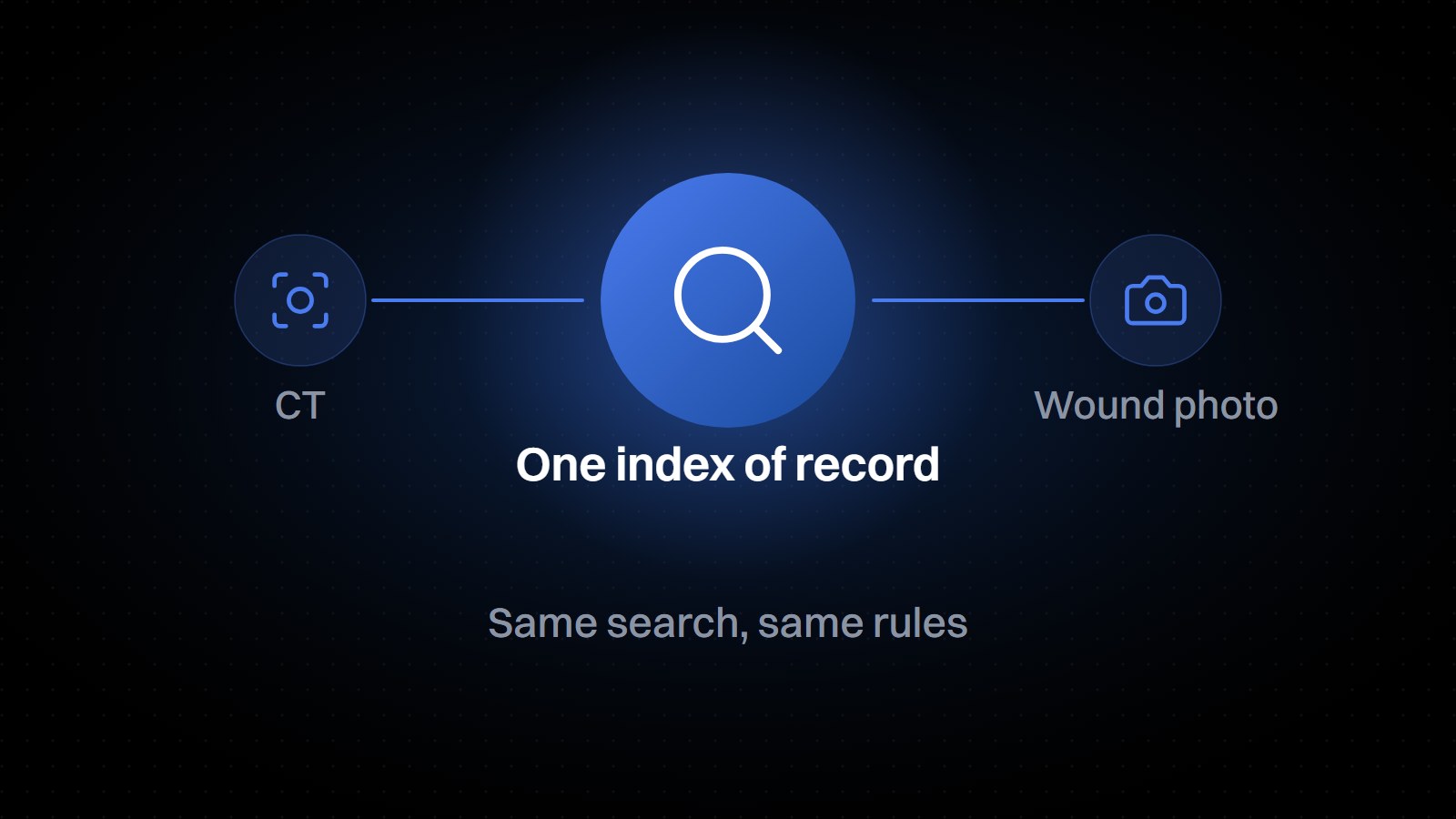
Diagram: a CT and a wound photo found through one index of record, with the same search and rules.

A Single Index of Record

One index spans DICOM and non-DICOM objects, so a wound photograph is searchable and governed by the same rules as a CT.

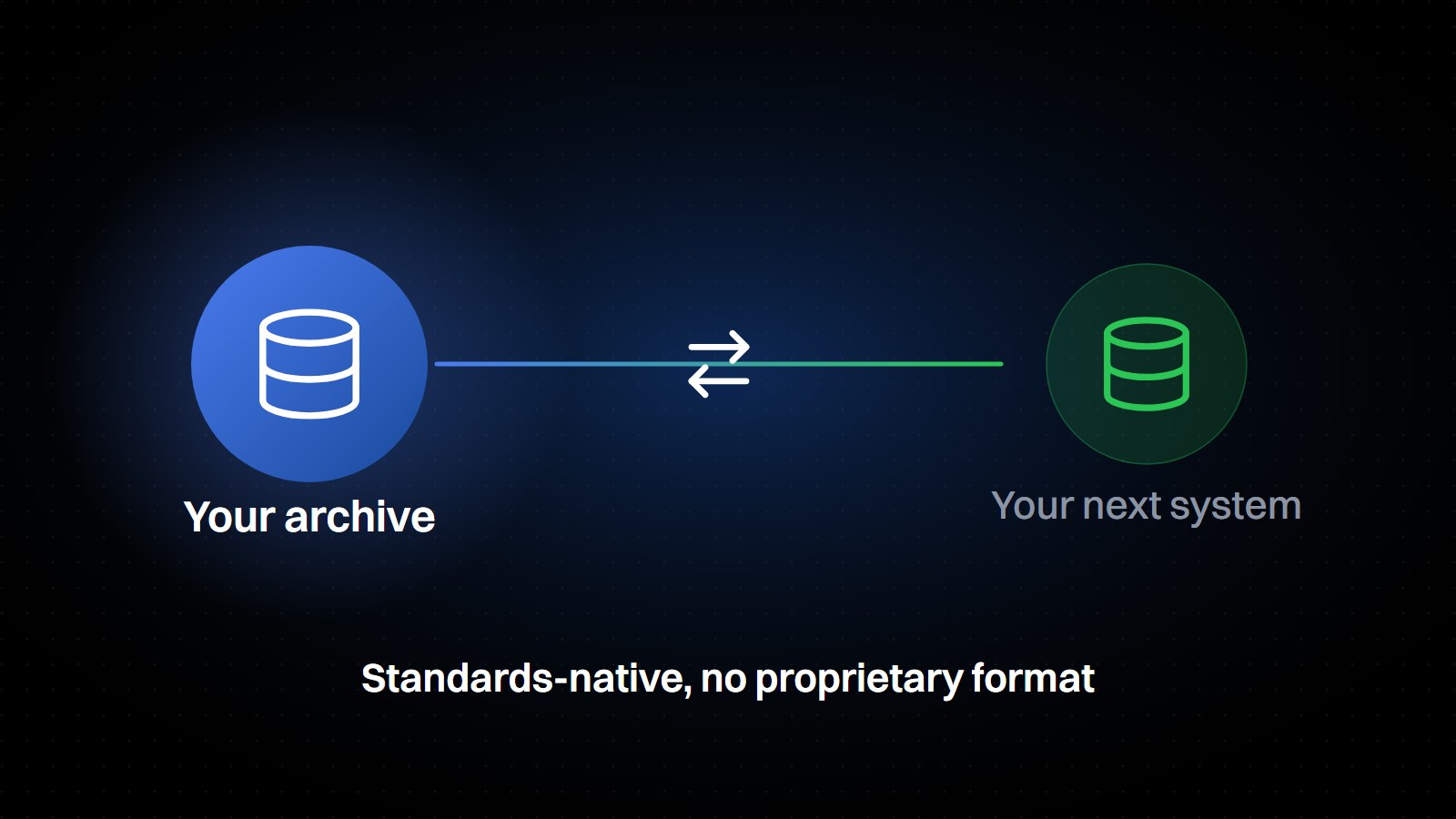
Diagram: your archive moving to your next system, standards-native with no proprietary format.

Standards-Native and Portable

Standards-native storage with no proprietary internal format, so the archive holding your most sensitive images stays portable.

Deliver Value for your Patients

Archive: Enterprise Imaging Platform & VNA

Sensitive studies and the photographs that go with them land in the same vendor-neutral archive as the rest of your imaging, with a single index of record across DICOM and non-DICOM objects.
  • Sensitive studies segmented into their own archives
  • DICOM and non-DICOM held in one vendor-neutral archive
  • Native format or DICOM-wrapped, no proprietary conversion
  • One index of record across every department
  • Standards-native storage, so the archive stays portable
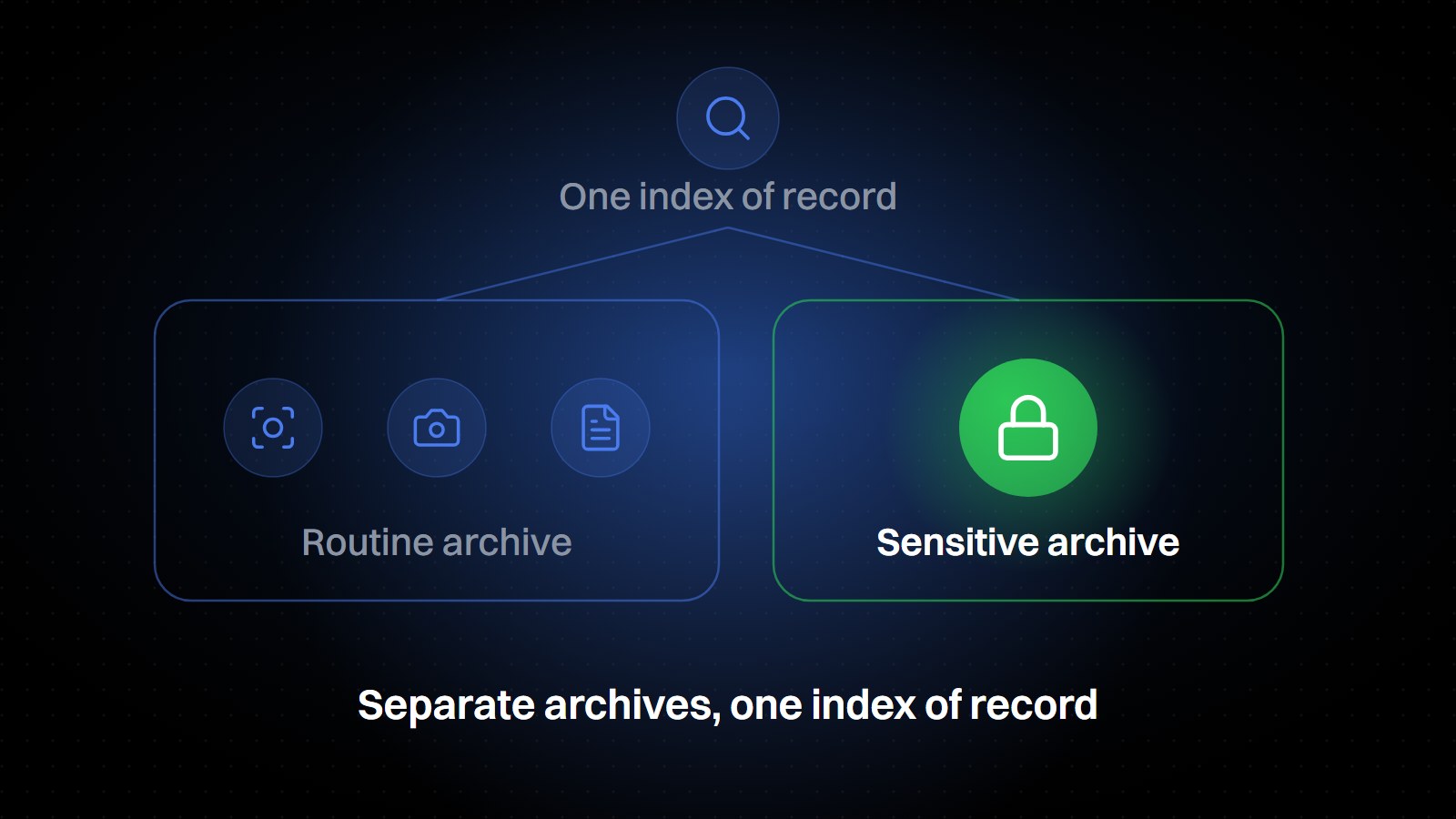
Diagram: routine studies and sensitive studies held in separate archives under one index of record, with the sensitive archive locked.

The Products Behind It

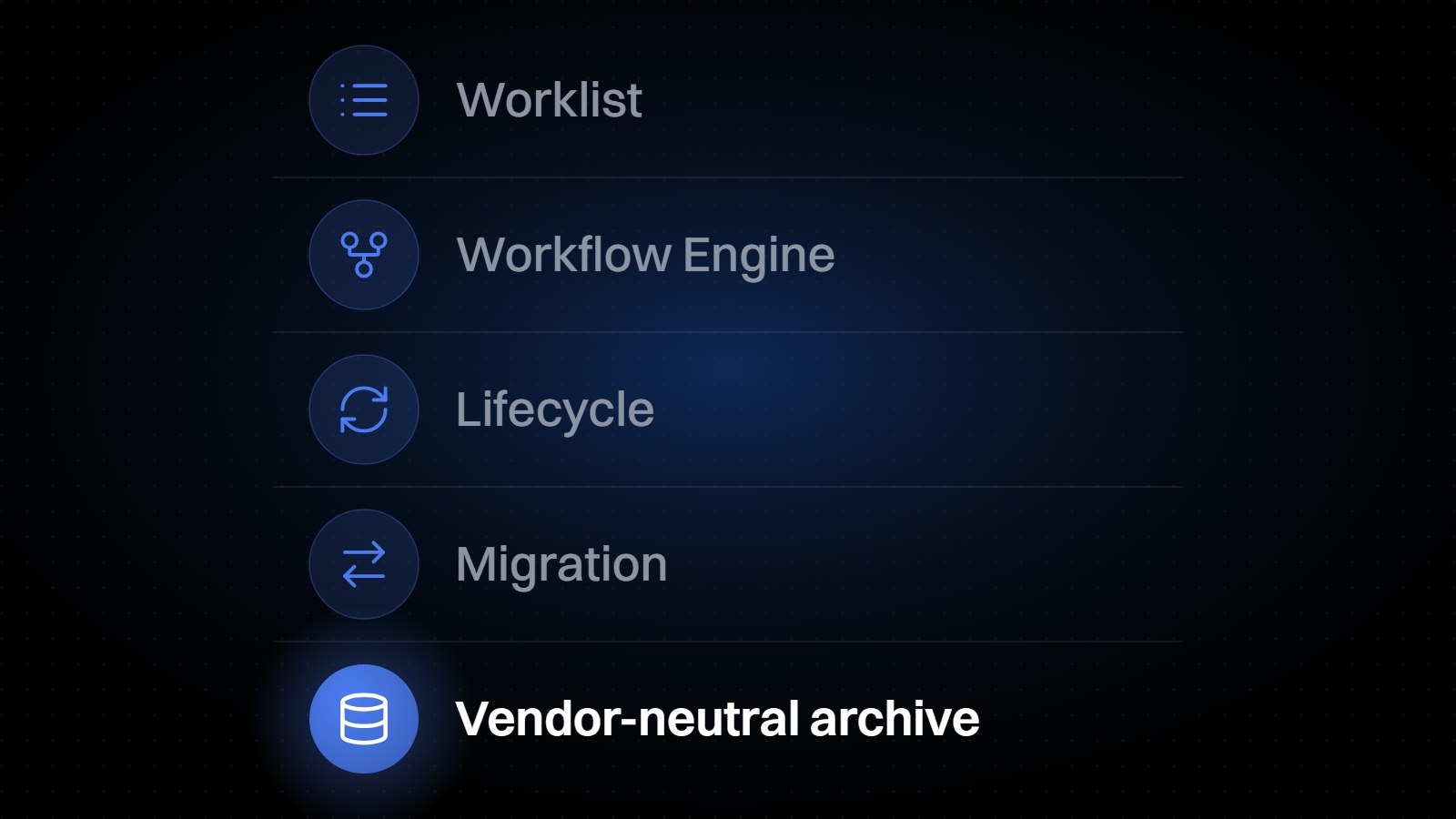
Diagram of the Enterprise Imaging Platform and VNA: worklist, Workflow Engine, lifecycle and migration over a vendor-neutral archive.

Enterprise Imaging Platform & VNA

The open imaging data layer: archive, workflow engine, worklist, lifecycle management and migration tooling in one platform, holding DICOM and non-DICOM objects under a single index of record.

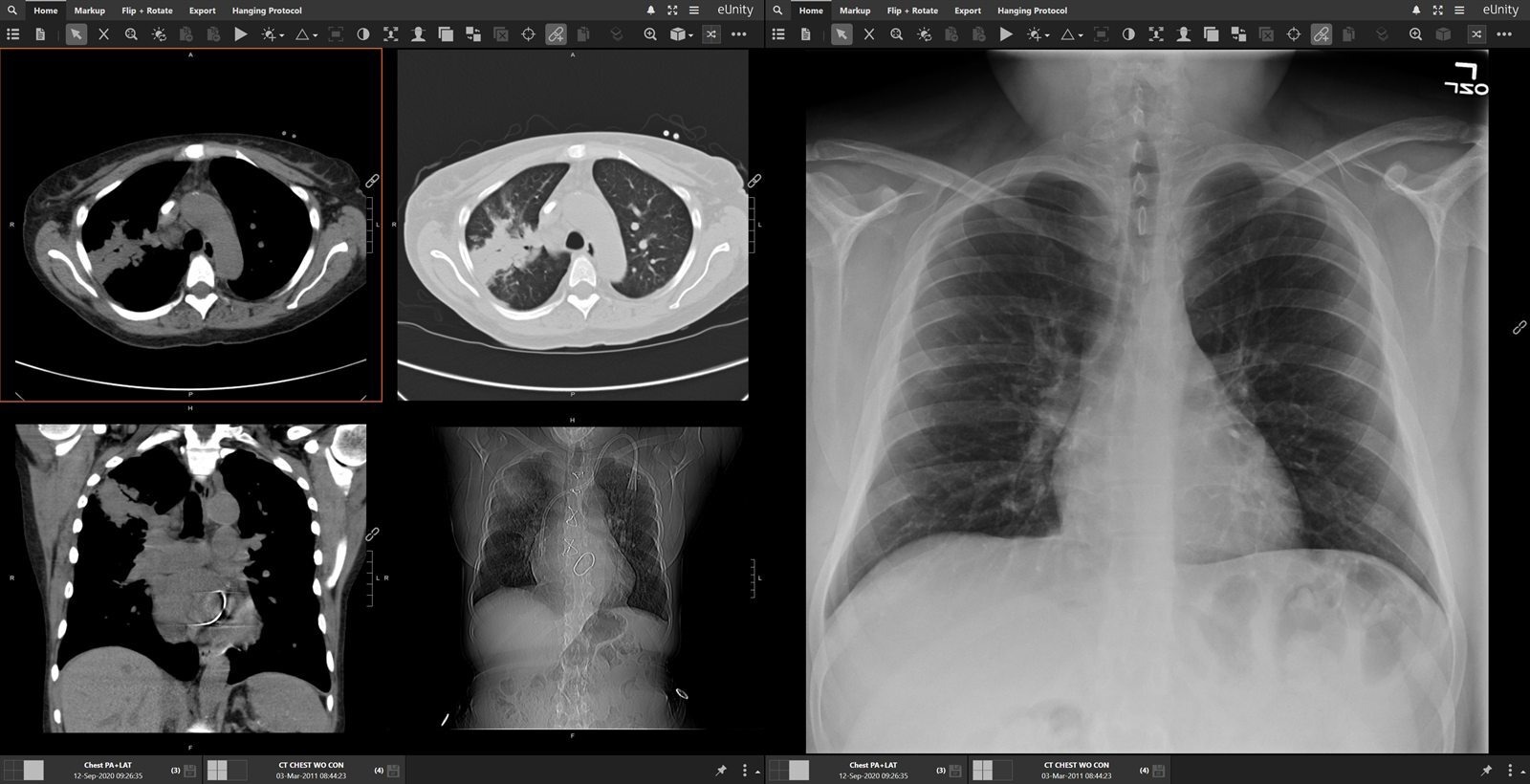
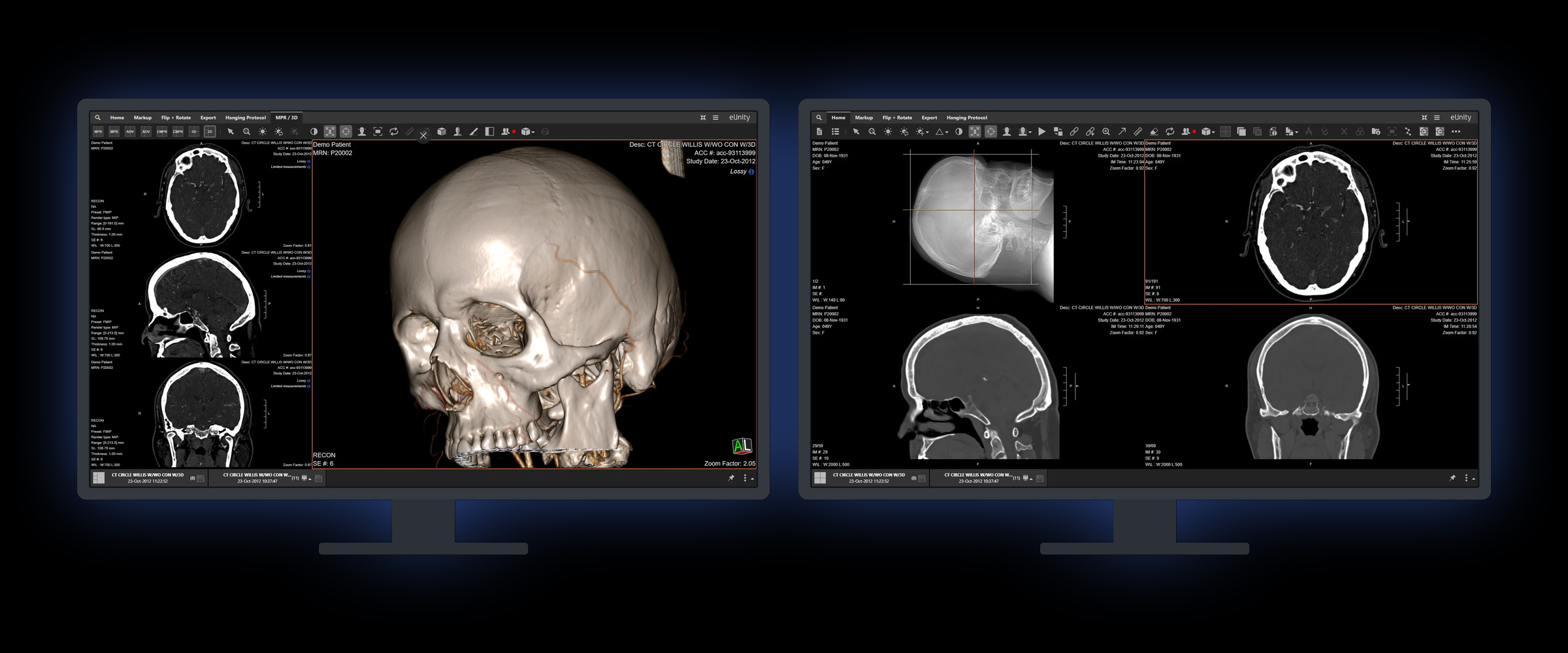
A two-monitor eUnity reading setup: multiplanar reformatting with a 3D volume render on the left screen and a four-pane CT review on the right, both running in a browser with nothing installed on either.

eUnity Enterprise Diagnostic Viewer

Mach7’s zero-footprint viewer, reading across specialties from a single patient imaging history, with no image data stored on the endpoint device.

Frequently Asked Questions

Questions About Access or Privacy Controls?

Talk to our team about how sensitive imaging is protected.

Connect with us

The Mach7 Enterprise Imaging Platform’s built-in viewer is intended for clinical and quality-control review (reconciliation, merging, splitting, presentation states, and measurements) and is not intended for diagnostic interpretation. Diagnostic viewing is provided by eUnity, a separate product in the Mach7 family. Mammography and digital breast tomosynthesis are not intended for diagnostic interpretation on mobile devices.

In the United States, eUnity is an FDA-cleared Class II medical device (510(k) K172490) that enables healthcare professionals to view, manipulate, and analyze medical images to aid in diagnosis. Professional and prescription use only. eUnity is not available in all markets. Regulatory status, available modules and approved indications vary by market. For the approved indications in your market, contact your Mach7 representative.